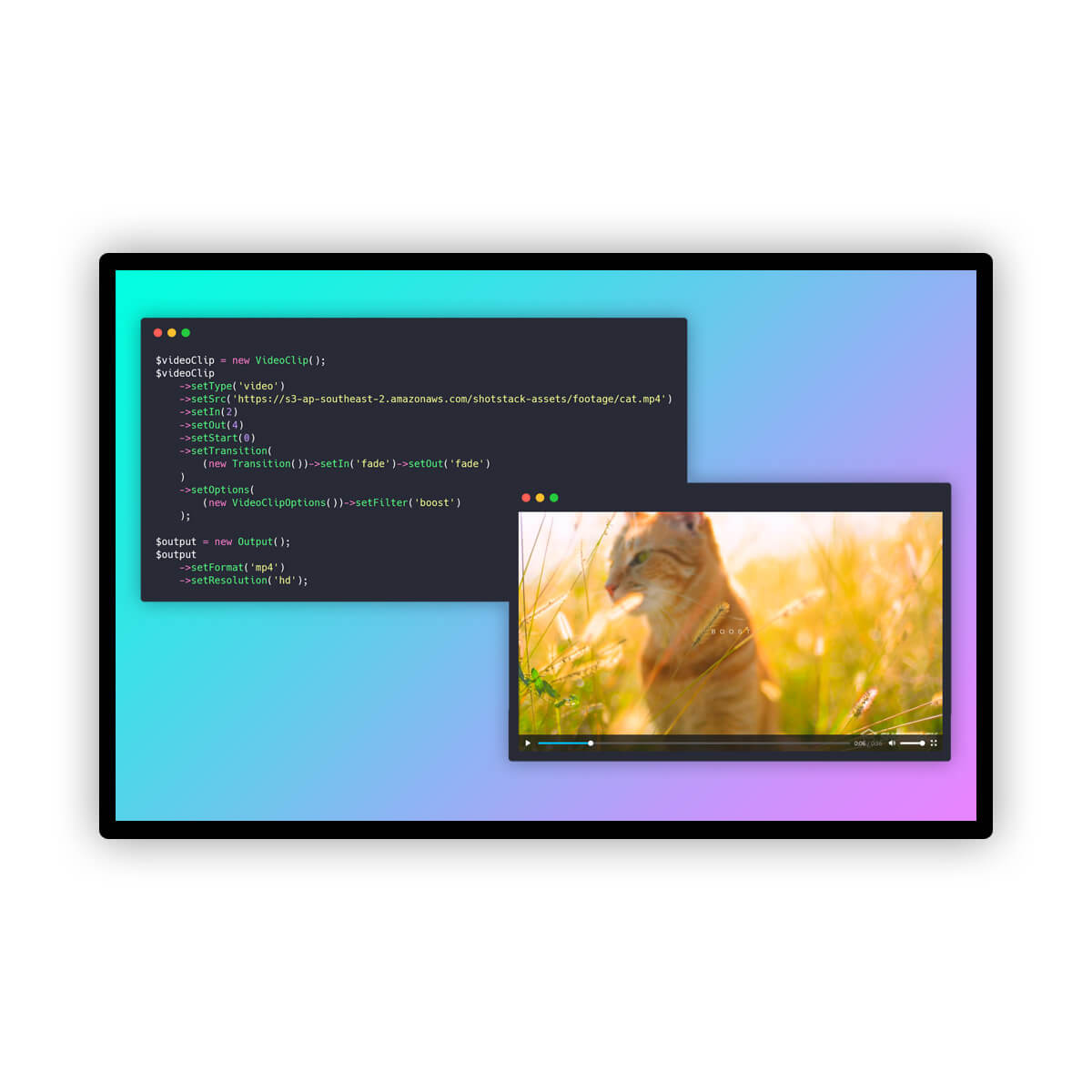
Managing video production for multiple clients traditionally requires manual editing or complex, fragile scripts. However, modern video APIs allow developers to automate this process by decoupling design from data. By using a single master template with dynamic placeholders, you can generate distinct, branded videos for numerous clients simultaneously. This approach transforms video creation from a linear, time-intensive task into a scalable, data-driven workflow.
Context and practical value
The source provides a technical guide on automating video production for multiple clients using a single master template and merge fields. It covers creating templates, managing client data, handling concurrent renders, and storing render IDs in a local database. It also discusses best practices for assets, error handling, and dynamic aspect ratios.
AtlasRepo synthesizes the source's technical steps into a broader architectural discussion, emphasizing the importance of state management, error isolation, and scalable design patterns. It adds context on why certain approaches, like using merge fields for dimensions, are preferred and highlights the limitations of the API, such as the lack of a render list endpoint.
Key takeaways
- Use a single master template with merge fields to handle multiple clients, avoiding the need for separate templates per brand.
- Store render IDs in your own database immediately upon submission, as the API does not provide a list of all renders.
- Utilize explicit width and height merge fields rather than aspect ratio enums to support dynamic output dimensions.
- Implement concurrent rendering with error isolation (e.g., Promise.allSettled) to ensure one failure doesn't halt the entire batch.
- Use inline SVG for brand marks to avoid hosting overhead, ensuring proper XML namespaces are included.
- Treat brand kits as local database records that expand into merge fields at render time, not as platform-specific features.
The Core Architecture: One Template, Many Clients
The foundation of an automated video pipeline is a single master template containing placeholders for client-specific elements. Instead of creating unique templates for each client, you define a structure with variables for text, fonts, colors, media sources, and output dimensions. At render time, the API merges client data into these placeholders. This method ensures consistency in layout while allowing complete customization of content and branding. The template acts as a static design shell, while the client data provides the dynamic content.
Managing Client Data and Brand Kits
Client-specific information, such as logos, fonts, and media URLs, should be stored in your own database or configuration files. This 'brand kit' is not a feature of the video API but a data structure you maintain. Each client record contains the necessary values to populate the template's merge fields. For example, a real estate client might have a specific headline, font family, and background video, while a travel agency has different assets. This separation allows you to update client branding without modifying the template code.
Handling Concurrent Renders and State
When rendering videos for multiple clients, it is crucial to manage state carefully. The API returns a render ID immediately upon submission, but it does not provide an endpoint to list all renders. Therefore, you must store the render ID alongside the client identifier in your database at the moment of submission. This linkage is permanent and essential for tracking progress. Use concurrent processing techniques to submit multiple renders simultaneously, but implement error handling to ensure that a failure in one client's render does not stop the others. This approach maximizes throughput and resilience.
Dynamic Aspect Ratios and Output Settings
To support various platforms, such as YouTube, Instagram Stories, and feeds, you can generate multiple aspect ratios from a single template. Instead of relying on fixed aspect ratio enums, use merge fields for width and height. This allows you to specify dimensions dynamically at render time. For instance, you can render the same content in 16:9, 9:16, and 1:1 formats by passing different width and height values in the merge fields. This flexibility ensures that your content is optimized for each platform without requiring separate templates.
Best Practices for Assets and Error Handling
Ensure all asset URLs are publicly accessible, as the API downloads them server-side. For brand marks, inline SVGs are efficient and do not require external hosting, but they must include proper XML namespaces to parse correctly. When errors occur, inspect the detailed response data rather than just the top-level error message, as it often contains specific information about which asset or field caused the issue. Additionally, use robust error handling in your code to isolate failures and continue processing other renders.
Practical next steps
- Create a master template with placeholders for text, fonts, media, and dimensions, then store the template ID securely.
- Build a client data structure in your application that maps each client to their specific brand assets and content.
- Implement a rendering function that submits merge fields to the API and immediately stores the render ID and client ID in your database.
- Use concurrent processing with error isolation to render videos for multiple clients and aspect ratios simultaneously.
- Verify that all asset URLs are publicly accessible and that SVGs include proper XML namespaces to prevent parsing errors.
Limits and verification
- The API does not provide an endpoint to list all renders, requiring you to maintain your own database of render IDs.
- Sandbox environments may have watermarks and duration limits, which do not reflect production capabilities.
- Private asset URLs are not supported; all media must be publicly accessible or hosted via the API's ingest service.
- There are no per-client sub-accounts or permission boundaries within a single API account, requiring careful data management.
FAQ
Do I need a separate template for each client?
No. You can use a single master template with merge fields to customize content for each client at render time.
How do I track which render belongs to which client?
You must store the render ID returned by the API alongside the client ID in your own database immediately after submission.
Can I use private URLs for video assets?
No. All asset URLs must be publicly accessible because the API downloads them server-side during rendering.
How do I handle different aspect ratios?
Use merge fields for width and height in the template output settings, allowing you to specify dimensions dynamically for each render.