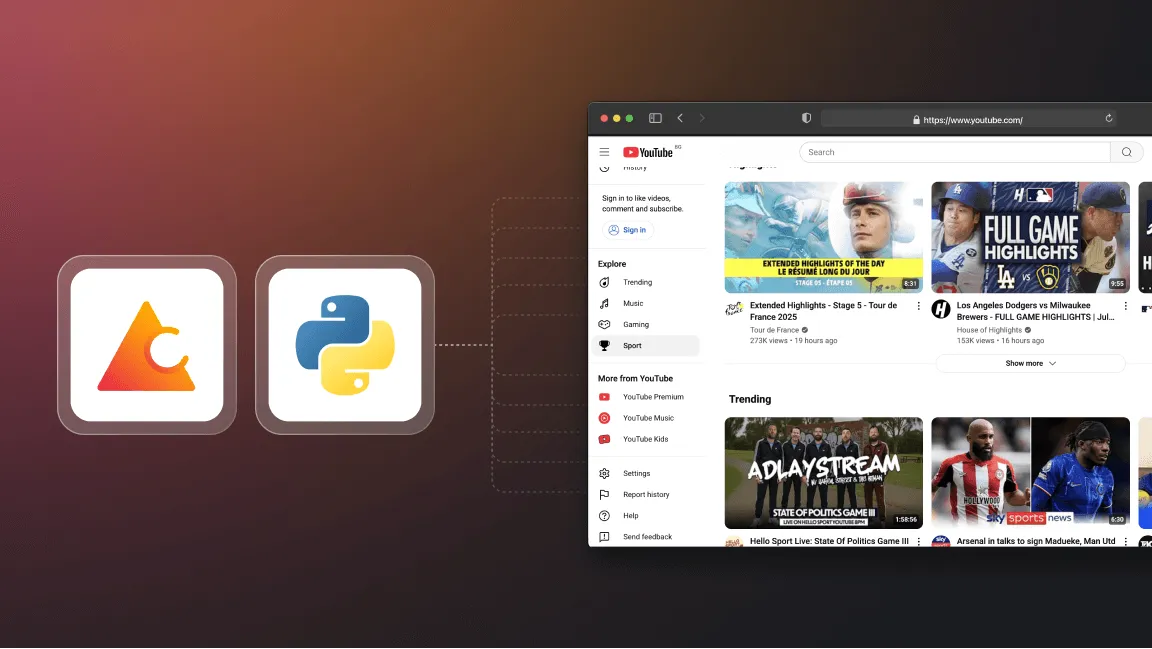
While the official YouTube Data API offers a structured way to access video metadata, its strict daily quotas often hinder large-scale data collection projects. For developers needing extensive datasets for trend analysis or machine learning, web scraping provides a viable alternative. This article details how to construct a resilient YouTube scraper using Crawlee for Python, leveraging Playwright to handle dynamic content, infinite scrolling, and regional compliance requirements.
Context and practical value
The source provides a step-by-step guide to building a YouTube scraper using Crawlee for Python. It covers project setup, analyzing YouTube's structure, configuring the crawler for infinite scroll and GDPR compliance, and extracting video metadata and transcripts. The guide emphasizes using Playwright to handle dynamic content and provides code examples for each step.
AtlasRepo structures the technical guide into a coherent article, highlighting the strategic reasons for choosing scraping over the API, the specific challenges of dynamic content and GDPR, and the practical implementation details. It adds context on the limitations and legal considerations, making the information more accessible and actionable for developers.
Key takeaways
- Use Playwright within Crawlee to bypass complex JSON parsing and handle dynamic infinite scrolling efficiently.
- Implement background scrolling tasks to prevent blocking the main execution thread while extracting video links.
- Manage GDPR consent pop-ups by intercepting requests and persisting cookies across sessions using crawler state.
- Extract transcripts by intercepting API requests for timed text and converting them from JSON3 to XML for easier parsing.
- Optimize performance by blocking unnecessary media requests and setting appropriate concurrency limits to avoid detection.
Why Scrape Instead of Using the API?
The YouTube Data API v3 imposes a daily quota of 10,000 units, which restricts the number of search pages and video details you can retrieve. For projects requiring broader data coverage, such as comprehensive channel analysis or large-scale transcript collection, this limit is often insufficient. Web scraping allows for more flexible data extraction, though it requires careful handling of dynamic page structures and anti-bot measures.
Project Setup and Configuration
The project utilizes Crawlee for Python with Playwright as the crawler type and Httpx as the HTTP client. This combination allows for browser automation to handle JavaScript-rendered content while maintaining efficient HTTP requests. Key configuration steps include setting concurrency limits to reduce the risk of being blocked, increasing request handler timeouts to accommodate slow-loading pages, and defining a maximum number of items to scrape per channel for testing purposes.
Handling Dynamic Content and Infinite Scroll
YouTube employs infinite scrolling to load new videos as the user scrolls down the page. To handle this, the scraper uses a background task for infinite scrolling while simultaneously extracting video links. This approach prevents the scraper from waiting indefinitely for the scroll to complete. The scraper identifies video links using a universal selector that targets anchor tags containing 'watch' in the href attribute, ensuring compatibility across different page layouts.
Managing GDPR Consent and Cookies
Users in regions subject to GDPR may encounter a consent pop-up that blocks access to data. The scraper handles this by detecting the consent button and clicking it to accept cookies. Crucially, it saves these cookies to the crawler's state, allowing subsequent requests to bypass the consent screen. Additionally, the scraper transforms requests to replace 'consent.youtube' domains with 'www.youtube' to ensure correct URL resolution.
Extracting Video Metadata and Transcripts
Video metadata, including title, description, view count, and publish date, is extracted from the window.ytInitialPlayerResponse JavaScript object. For transcripts, the scraper intercepts the API request for timed text, modifies the URL to remove the fmt=json3 parameter, and retrieves the data in XML format. This XML data is then parsed to extract the text segments, which are appended to the video metadata before saving.
Practical next steps
- Initialize a Crawlee project using the CLI with Playwright and Httpx to ensure proper dependency management.
- Implement a pre-navigation hook to block unnecessary media requests and manage cookie persistence for GDPR compliance.
- Create a router with handlers for channel pages, video pages, and transcript URLs to structure the scraping logic.
- Use asyncio to run infinite scrolling in the background while extracting video links to improve efficiency.
- Parse the
ytInitialPlayerResponseobject to extract structured video metadata and intercept transcript API calls for text data.
Limits and verification
- YouTube's frontend structure and anti-bot measures may change, potentially breaking selectors or triggering blocks.
- Scraping at scale requires careful rate limiting and proxy rotation to avoid IP bans, which are not covered in this basic setup.
- Transcript availability depends on whether the video creator has enabled subtitles or auto-generated captions.
FAQ
Can I use this scraper for commercial purposes?
You must review YouTube's Terms of Service and relevant data protection laws. Scraping may violate these terms, and commercial use carries legal risks.
Why use Playwright instead of an HTTP client?
Playwright handles JavaScript execution and dynamic content loading, which is necessary for YouTube's infinite scroll and complex page structure, whereas HTTP clients struggle with these features.
How do I handle videos without transcripts?
The scraper includes error handling to catch cases where transcript URLs are not found or XML parsing fails, ensuring the video metadata is still saved without the transcript.