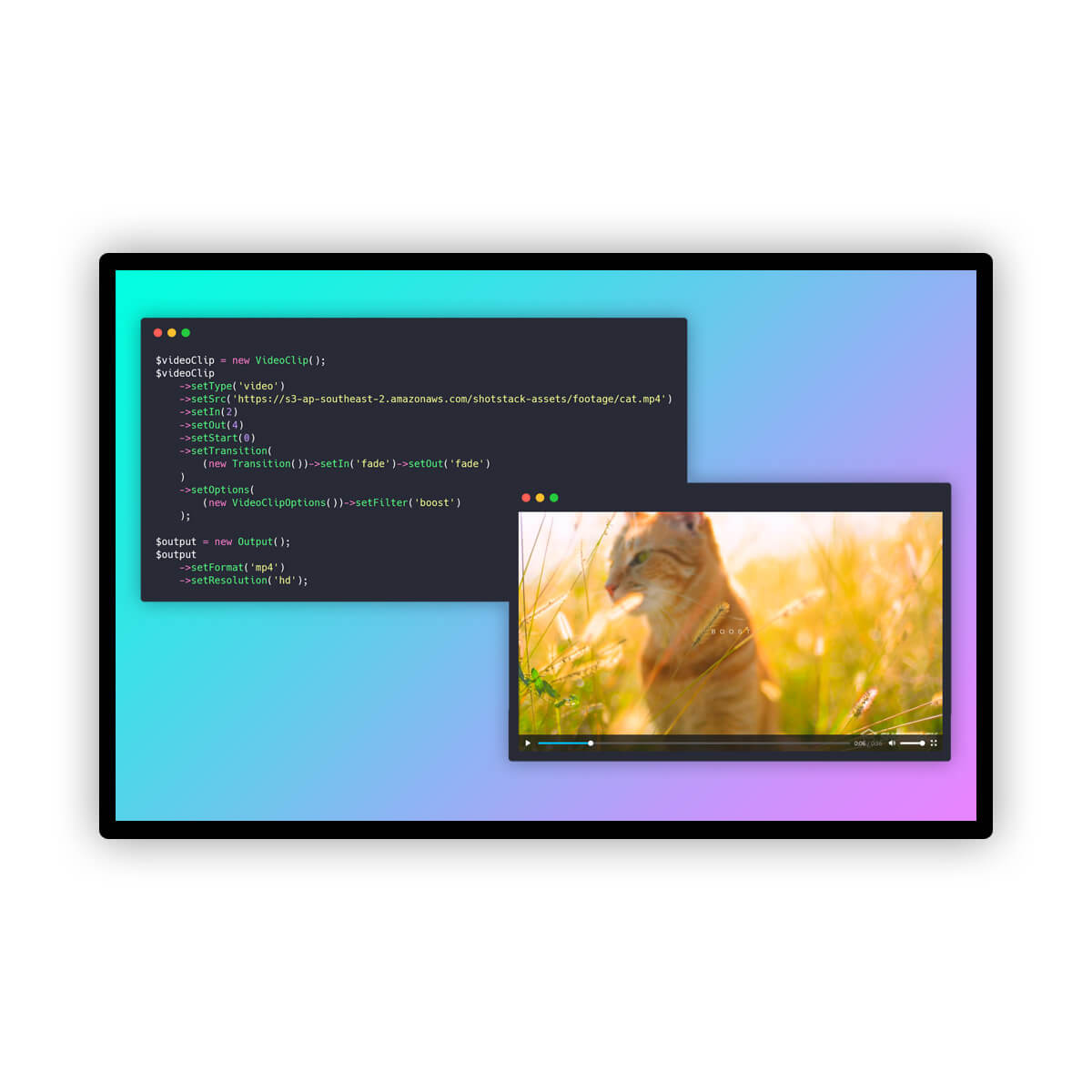
Most social media automation tools focus on scheduling existing content. This guide explores a developer-centric approach: building a pipeline that generates scripts, voiceovers, and visuals from a single topic, then renders and publishes a Reel automatically. By integrating OpenAI, ElevenLabs, and Shotstack, developers can create a fully autonomous content engine.
Context and practical value
The source provides a Node.js tutorial for automating Instagram Reels. It details a pipeline using OpenAI for script/caption/image generation, ElevenLabs for voiceover, Shotstack for asset hosting and video rendering, and the Instagram Graph API for publishing. It emphasizes the need to host raw binary assets before rendering.
AtlasRepo structures the source code into a conceptual framework, highlighting the architectural necessity of intermediate asset hosting and the importance of asynchronous handling in both rendering and publishing stages. It distills the technical steps into actionable best practices for developers.
Key takeaways
- AI models like ElevenLabs and OpenAI return raw binary data, requiring an intermediate hosting step before video rendering.
- Shotstack’s Ingest API provides signed URLs to host raw audio and image assets for use in video composition.
- Instagram’s Graph API requires a two-step process: creating a media container and polling for completion before publishing.
- Parallelizing asset generation significantly reduces total pipeline execution time.
- Batch publishing must respect Instagram’s 100-post daily limit to avoid API throttling or account restrictions.
The Three-Stage Automation Pipeline
Automating video content involves three distinct phases: generation, rendering, and publishing. First, a language model generates the script and caption. Second, text-to-speech and image generation models create the audio and visual assets. Third, a video editing API composites these elements into a vertical MP4. Finally, the Instagram Graph API handles the actual posting. This separation of concerns allows developers to swap out models or rendering engines without rewriting the entire workflow.
Handling Raw Asset Data
A common pitfall in AI video automation is assuming all APIs return hosted URLs. ElevenLabs returns raw MP3 bytes, and OpenAI’s image models return base64-encoded data. Video renderers like Shotstack require publicly accessible URLs. The solution is an intermediate ingestion step: request a signed upload URL from the video platform, upload the raw binary data, and poll until the asset is ready. This hosted URL is then used in the video composition template.
Rendering and Publishing
The rendering stage combines the background image, text overlay, and voiceover into a 1080x1920 MP4. Shotstack’s Edit API handles this composition asynchronously. Once rendered, the video URL is passed to Instagram’s Graph API. Publishing is also asynchronous: you create a media container, poll its status until it reaches 'FINISHED,' and then trigger the publish action. This ensures the platform has processed the video before it goes live.
Scaling with Safety
For batch operations, generate and render videos in parallel to save time, but publish sequentially. Instagram limits accounts to 100 API-published posts per 24-hour period. Implementing a throttle between publish requests prevents hitting this limit. In production, use a job queue to track state and handle retries, ensuring that failures in one stage do not corrupt the entire batch.
Practical next steps
- Set up a Node.js environment with OpenAI, ElevenLabs, and Shotstack API keys, ensuring your Instagram account is linked to a Facebook Page.
- Implement a helper function to upload raw binary assets (audio/images) to Shotstack Ingest, converting them into publicly accessible URLs.
- Build the rendering logic to composite assets into a 1080x1920 MP4, then use the Instagram Graph API to create a media container and publish it after polling for completion.
Limits and verification
- The pipeline relies on third-party APIs that may change their output formats or pricing, requiring ongoing maintenance.
- Instagram’s API rate limits and daily post caps restrict high-volume automation strategies.
- Rendered video files from Shotstack expire after 24 hours, necessitating prompt publishing or additional storage solutions.
FAQ
Why can't I use the raw output from ElevenLabs directly in Shotstack?
Shotstack’s rendering engine requires publicly accessible URLs to fetch assets. ElevenLabs returns raw binary data, so you must upload it to a hosting service like Shotstack Ingest first.
How do I avoid hitting Instagram’s API limits?
Implement a throttle between publish requests and monitor your remaining quota using the content_publishing_limit endpoint. Avoid parallel publishing to the same account.
Can I use this pipeline for other platforms?
Yes, the generation and rendering stages are platform-agnostic. You would only need to replace the Instagram Graph API integration with the appropriate API for TikTok, YouTube, or other platforms.