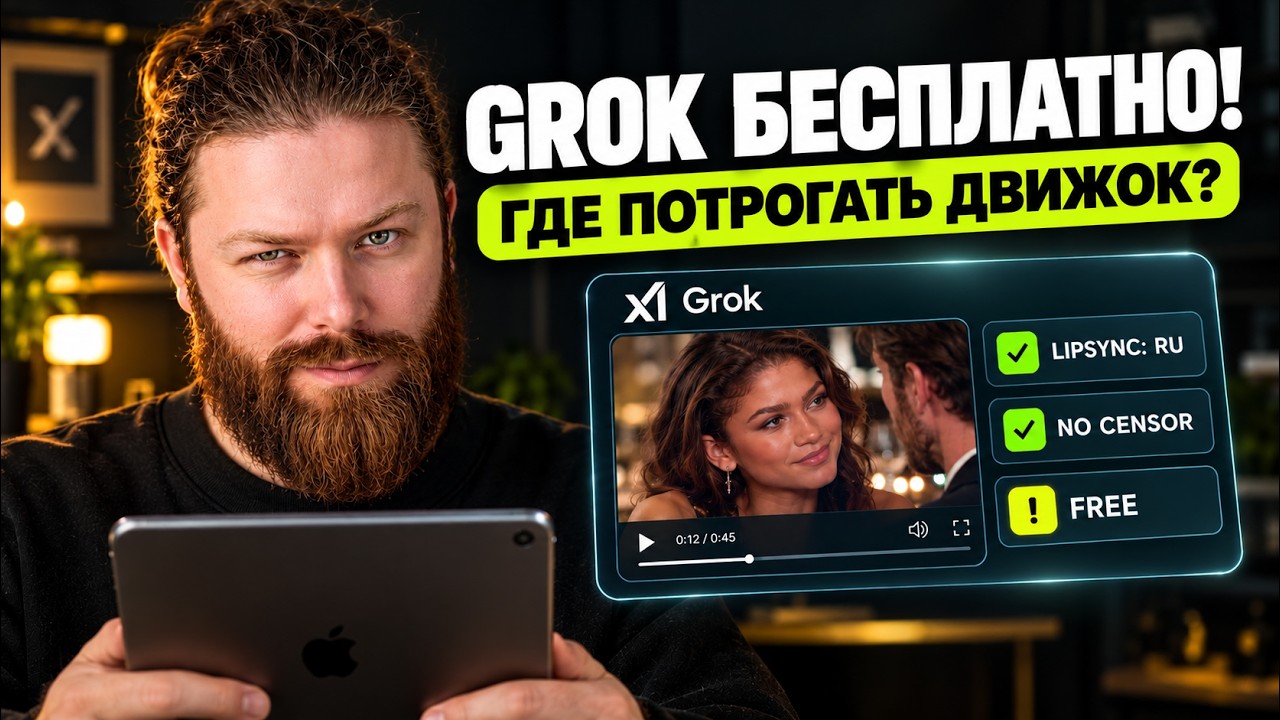
Elon Musk’s Grok AI has been hailed for its high‑quality Russian lip‑sync and lack of strict censorship. In this video, the creator walks through a hands‑on evaluation of Grok, testing it across multiple platforms—both free and paid—and shows how to make it speak Russian in a restaurant scenario. The session also covers character generation for video, compares frame stability across services, and provides links to official free access and paid hubs. Developers and content creators looking to integrate Grok into their workflows will find actionable insights and a clear comparison of available hosting options.
Context and practical value
The video title and description describe testing Grok AI, evaluating Russian lip‑sync, censorship bypass, and comparing five free/paid services that host Grok.
This article distills the video’s practical steps, organizes them into a coherent workflow, and highlights key takeaways such as frame stability differences and access options, providing a ready‑to‑use guide for developers and content creators.
Tutorial profile
- Format: how_to
- Topic: ai-agents
- Audience: intermediate
- Tools: Kriotok, Motion Gen, Syntex, VOFI
Key takeaways
- Grok offers robust Russian lip‑sync and minimal censorship.
- Five platforms (Kriotok, Motion Gen, Syntex, VOFI, official free access) support Grok with varying pricing models.
- Character generation can be used to create video content directly from prompts.
- Frame stability differs across services; Motion Gen shows higher consistency.
- Free access is available via official channels, but paid hubs provide additional features.
What is Grok?
Grok is an AI model developed by Elon Musk’s team, designed for natural language understanding and generation. It supports multiple languages, including Russian, and is marketed as having less restrictive content filters compared to other large language models.
Testing Setup
The video demonstrates how to access Grok through five distinct services: Kriotok, Motion Gen, Syntex, VOFI, and the official free portal. Each platform is evaluated for latency, output quality, and censorship behavior.
Russian Lip‑Sync Demonstration
A live test shows Grok speaking Russian in a simulated restaurant setting, highlighting its lip‑sync accuracy and natural prosody.
Character Generation for Video
Using Grok’s prompt interface, the creator generates video characters, then imports them into a video editing workflow, illustrating a quick content creation pipeline.
Comparing Frame Stability
Motion Gen and Syntex are compared on frame consistency, with Motion Gen showing fewer jitter artifacts in generated video sequences.
Access Options
The official free access link is provided, along with a paid hub (Syntex) that offers additional features such as higher token limits and priority support.
Practical next steps
- Visit the official free Grok portal and create an account.
- Choose a hosting platform (e.g., Kriotok or Motion Gen) and connect your Grok credentials.
- Test Russian lip‑sync by prompting Grok to speak a scripted dialogue.
- Generate a character prompt and export the result for video editing.
- Compare frame stability by rendering the same prompt across multiple services.
Limits and verification
- The video does not provide quantitative latency or token usage metrics.
- Censorship bypass claims are anecdotal; no systematic testing of edge cases is shown.
- Pricing details for paid hubs are not fully disclosed.
FAQ
Is Grok open source?
No, Grok is a proprietary model developed by Elon Musk’s team and is not available as open source.